A launcher for Android TV
Your TV, without the noise. Less noise. More TV.
CleanYourTV replaces your Android TV home screen with a fast, quiet launcher. Your apps, your inputs, your cards — no ads, no recommendations, no account.
Free · Open source · Android 8.0+
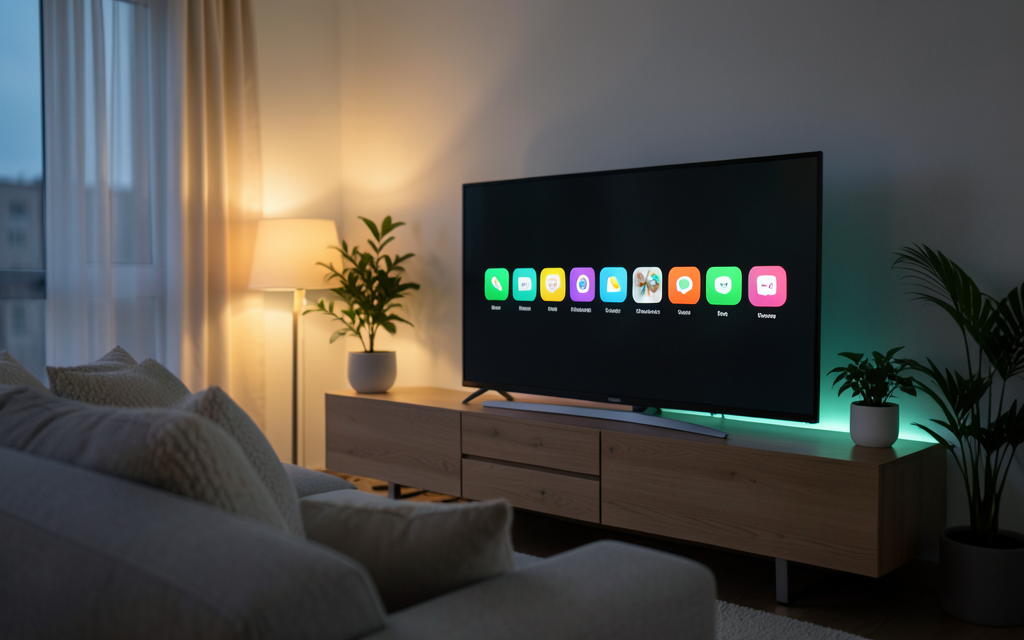
Designed to be read from three metres away
Everything you need on a home screen. Nothing you don't.
Instant on
One small APK, no background services. The launcher is ready before your TV finishes waking up.
Your apps, your order
Pin, hide, reorder and group. Built-in search finds any installed app by name.
Inputs and shortcuts
Jump straight to HDMI ports, live TV and system settings from the dock.
Module cards
Any Android TV app can publish a card: weather, a media server, downloads, smart home.
Built for the remote
D-pad navigation, long-press actions and an app library designed for a remote, not a mouse.
Private by design
No analytics, no trackers, no internet permission — unless you install a module that needs one.
A launcher that grows with your TV
Modules are ordinary Android apps that declare a card. Install only what you want; Android isolates each module in its own sandbox.
Bring your own card
Declare a card in your manifest and publish the APK wherever you like — CleanYourTV will find it. Your repo, your licence, your signing key.
Questions people actually ask
Is CleanYourTV free?
Yes. No ads and no paid tier. The source is published under the MIT licence.
Does it replace my stock launcher?
Only if you choose it. Pressing home shows a chooser; pick CleanYourTV and tick “always”. You can switch back any time from Settings.
Does it work on Google TV and Fire TV?
Google TV and Android TV are supported. Fire TV uses a variant of Android: almost everything works, but home-button behaviour varies by device.
Why does my TV refuse the APK?
Android blocks side-loading by default. Allow “install unknown apps” for your file manager and try again.
Does it need an internet connection?
No. The launcher works fully offline. Only modules that fetch data use the network.
How do I remove it?
Install another launcher, make it the default, then uninstall CleanYourTV from Settings → Apps.
Less noise. More TV.
CleanYourTV replaces your Android TV home screen with a fast, quiet launcher. Your apps, your inputs, your cards — no ads, no recommendations, no account.